
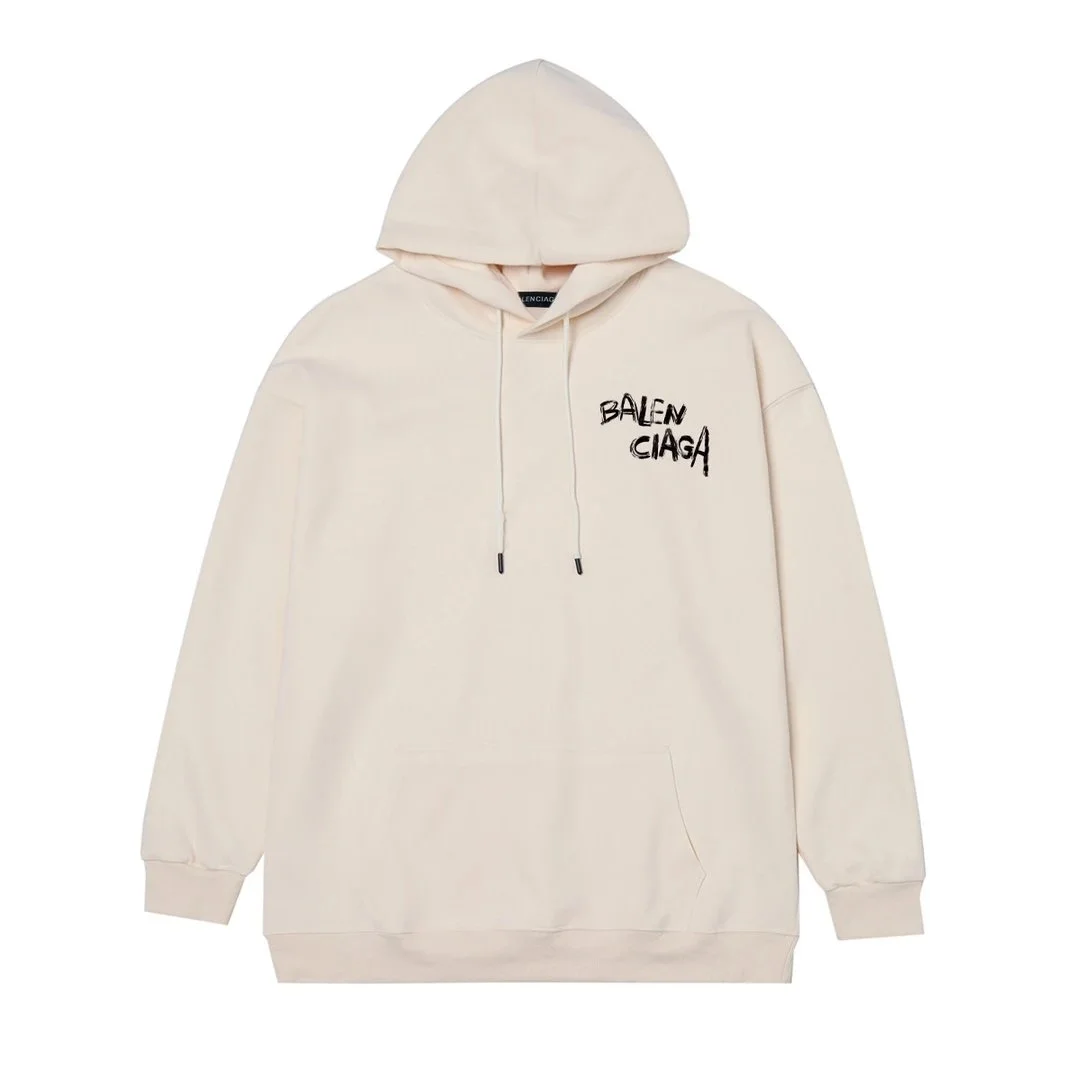
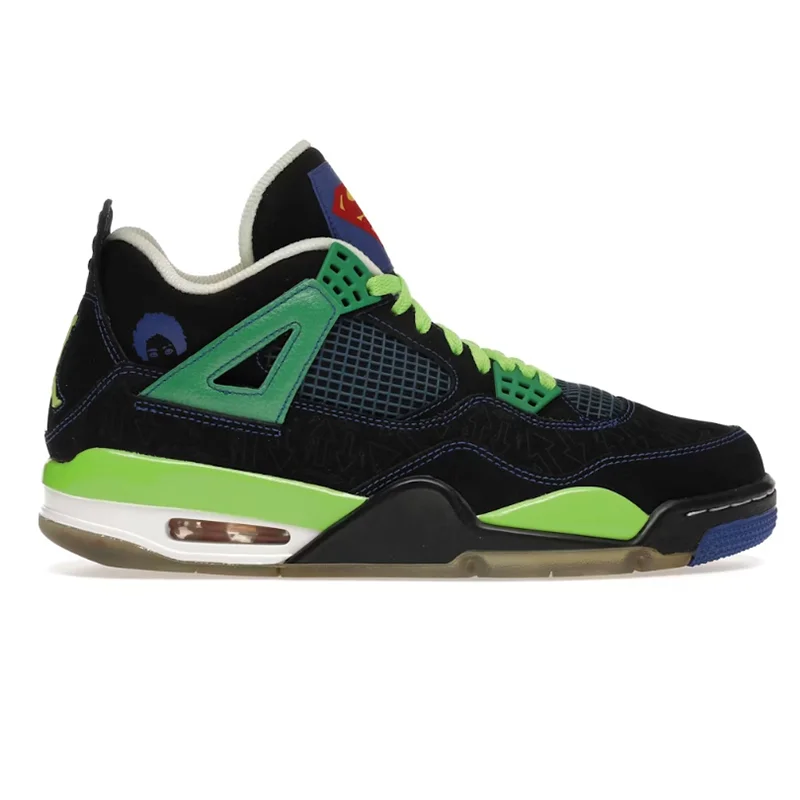
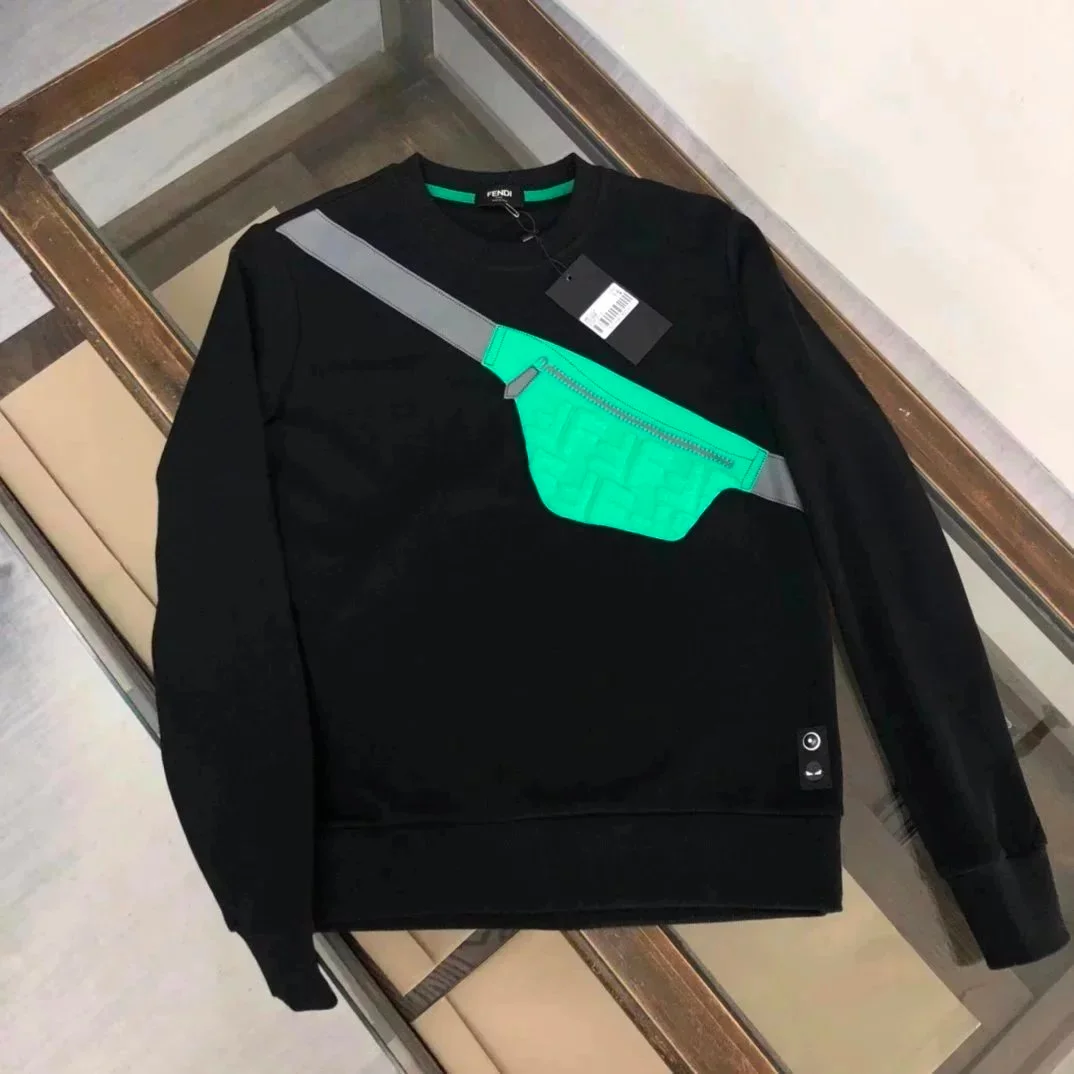
OOPget buying guide

How to buy Oopbuy finds without guessing the workflow

The practical route is simple: find a product, verify the source path, order through the agent, review warehouse QC photos, then submit the parcel only when the evidence and shipping cost make sense.

Open all finds

Checkout facts behind this buying guide

This page stays focused on the action sequence: confirm the product, start the agent order, review costs, inspect QC, and submit the parcel only when the evidence supports it.

  • Start with a specific product page, not only a spreadsheet title or category label.
  • Confirm the product image, selected variant, size notes, price, and destination link before using an agent route.
  • Use AI try-on or styling context only as a pre-check; the purchase decision still needs listing and QC evidence.
  • Copy or open the product link only after the product context is clear enough to avoid ordering the wrong item.
  • Use DIY Order or Forwarding-style paths when you already have the product link and variant details.
  • Check item price, domestic shipping, service fee, and any shipping estimate before paying.
  • Wait for warehouse arrival and QC photos before submitting the international parcel.
  • Submit the parcel only after the QC evidence and final shipping estimate still make the order worth completing.

Step-by-step buying flow

Use this sequence when turning a find into a real agent order.

01

Find the product

Start on MaisonLooks or the OOPget spreadsheet pages. Use product cards, categories, search, and product names to build a shortlist.

02

Open the source path

Use the MaisonLooks product page or source link to confirm the item context: title, image, variants, seller path, category, and price.

03

Choose the buying route

If you already have a link, Oopbuy supports DIY Order or Forwarding-style paths. The key is that the agent buys from the source platform and receives the item at its warehouse.

04

Check fees before paying

Separate item price from domestic shipping, service fee, estimated parcel weight, and international shipping so the final cost is clear.

05

Review warehouse QC

After the seller ships to the warehouse, review QC photos before submitting the international parcel. Ask for extra photos if shape, labels, materials, size, or packaging are unclear.

06

Submit the parcel

Ship only after the QC evidence matches the listing closely enough and the international shipping estimate still makes sense.

Choose the right route

Different platforms do different jobs in the buying flow. Use each one for the stage it handles best.

Browse finds first

Use MaisonLooks when you need product discovery, categories, search, QC context, and agent-ready product links.

Open OOPget finds

Use OOPget categories

Use the spreadsheet route when your intent is category-based, such as shoes, hoodies, jackets, bags, accessories, or electronics.

Open spreadsheet

Check Oopbuy flow

Use Oopbuy when you are ready to evaluate the agent order, warehouse review, fees, and parcel shipping path.

Open guide

Before checkout

Buying mistakes to avoid

Most bad agent orders come from skipping one of four checks: product page, fee estimate, QC photos, or availability.

01

Do not treat a spreadsheet title as enough evidence; always open the product page and confirm variants.

02

Do not compare only item price; include domestic shipping, service fee, estimated weight, and international shipping.

03

Do not submit a parcel before QC if photos reveal label, shape, color, size, or material problems.

04

Do not assume availability is permanent; product links and seller listings can change.